This is the complete walk from a clean copy of Blasphemous to a modded one: the right
build of BepInEx dropped beside the executable, then Ungodly GFX and
Ungodly Difficulty into the plugins folder.
Every folder is shown as a screenshot of a real install, at full resolution, so you can compare
your disk against mine rather than guess. Nothing here patches a game file and nothing is
written to your saves.
Guide and both plugins by StixsworldHD (StixsmasterHD4k).
Game
Blasphemous build 4.0.67 — DLC3, all DLC
Loader
BepInEx 5.4.23.5 Windows, x64, Mono
Runtime
Unity 2017.4.40 CLR v2.0.50727
Files modified
None everything is done at runtime
The two plugins
What you are installing
They are independent. Install one, install both, install neither — BepInEx does not care, and
the two were deliberately built to stay out of each other's way, down to separate hotkeys, separate
window IDs and separate input blockers.
Graphics & UI suite
Ungodly GFX 1.2.0
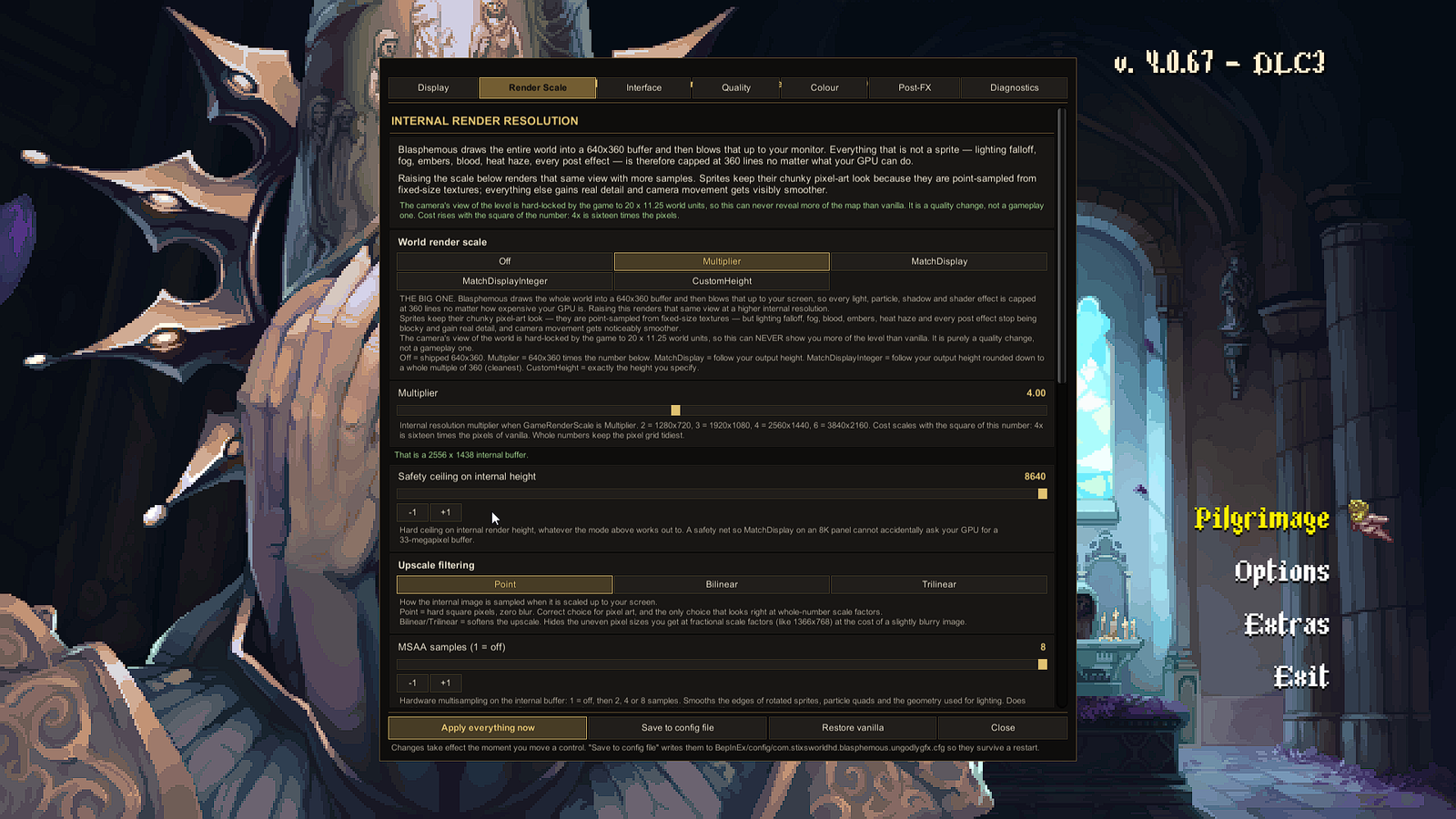
Raises the 640×360 internal buffer the whole game is drawn into, fixes an interface-scaling bug in the retail build, and opens up the display, quality and post-processing systems the engine keeps closed.
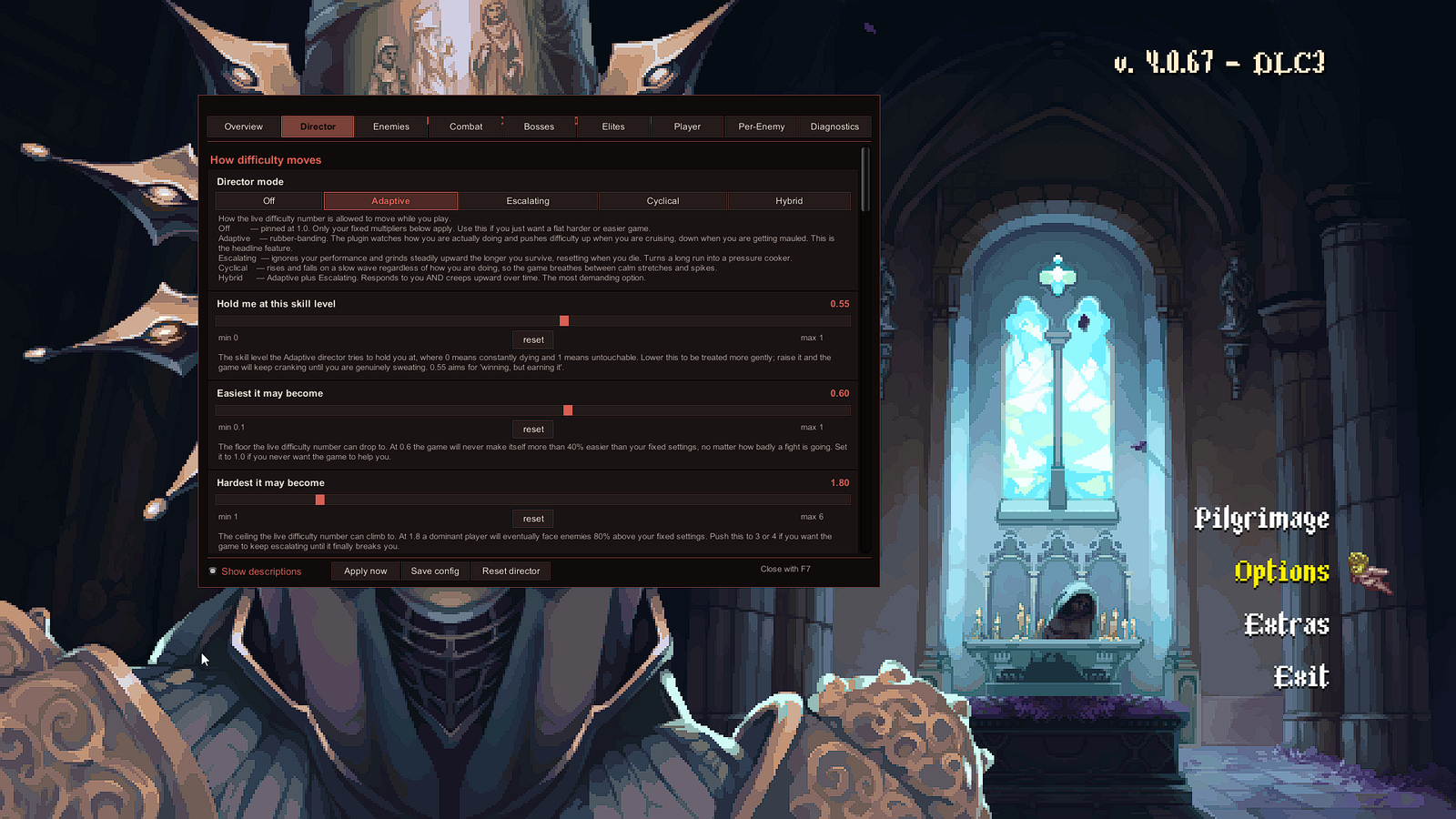
Puts every enemy statistic in the game within reach, then runs a live director over the top that reads six signals from your play and moves the difficulty while you are in the room — and from 1.2.0, remembers where it got to, per save slot.
Both are single DLLs that load into a running game and change live objects. Both write their own
fully documented configuration file on first launch, and both revert everything they touched the
moment you delete them. There is no installer, no patcher, and no asset replacement anywhere in
this guide.
Nine stations
The walk, end to end
Stations 01 to 05 are the install. Six and seven are reference for the two plugins once they are
running. Eight and nine are there for when something goes wrong or when you want the game back
exactly as it shipped.
A correct install is quiet. The menu looks untouched until you press a key. Click any screenshot
on this site to open the original 1920×1080 file at full size.
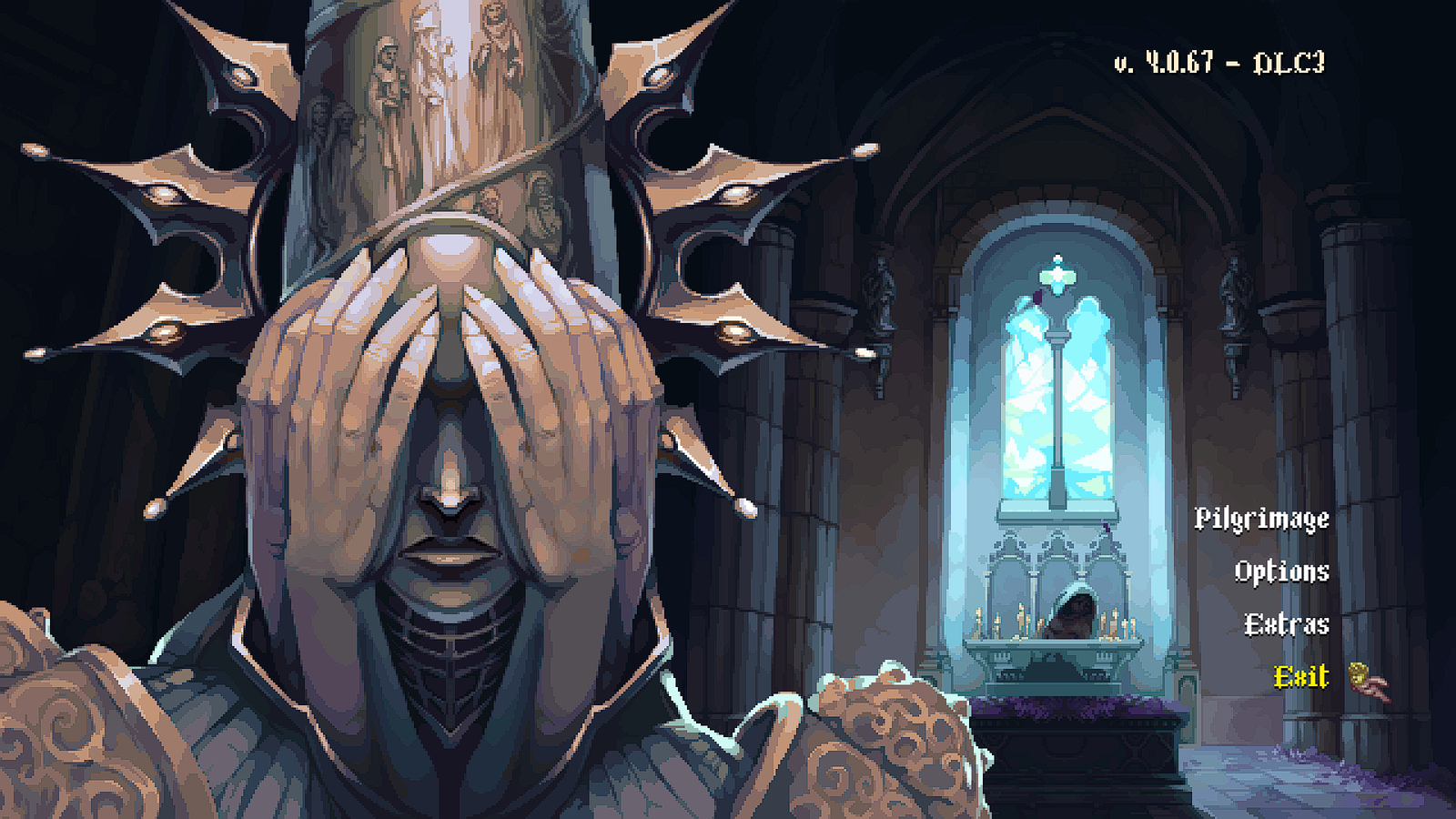
Click to view at full size ↗A correctly modded main menu looks exactly like an unmodded one. The build stamp in the corner reads v. 4.0.67 – DLC3. Shown at 1280×720 — the original is 1920×1080.Click to view at full size ↗Ungodly GFX on F10, Render Scale tab. The multiplier is at 4.00 and the panel reports the internal buffer it just built. Gold palette, seven tabs. Shown at 1280×720 — the original is 1920×1080.Click to view at full size ↗Ungodly Difficulty on F7, Director tab. Crimson palette, nine tabs, and every control carries its own plain-English description underneath. Shown at 1280×720 — the original is 1920×1080.
Provenance
Where the files come from
Two places, and you should know the difference between them.
BepInEx comes from the BepInEx team's own GitHub releases page and nowhere else. I do not
mirror it, because a modding framework should always be taken from the people who build it, where
the tag, the changelog and the file all live together.
Both Ungodly archives are hosted on my own paid Google Drive account. They are files I
compiled and uploaded myself, on storage I pay for and control, with no third-party file host in
between — no ad gate, no countdown page, no bundled "download manager", and nothing that can
swap the file out from under the link later. Drive's own infrastructure also tends to be
noticeably faster than the free mirrors these things usually end up on.
Every archive on the downloads page lists its exact byte size and SHA-256 hash so you can check
what you received against what I published. A copy of each archive also ships inside this guide,
in its files/ folder, if you would rather not download anything at all.